You're In.
Order Confirmed.
Your copy of Print on Demand Profits is ready. All your downloads are waiting below — start anytime.
Your order was processed securely by Digistore24.
What will appear on your bank or card statement:
May appear as DIGISTORE24 or as DS24 / your order ID
Here's exactly what to do right now — takes less than 5 minutes.
Download Your Files Below
Click each cover image to download. Save everything to a folder you'll remember — your desktop, Google Drive, or Dropbox works great.
Start with the Main Guide
Open Print on Demand Profits first. Read Section 1 to choose your starting platform. Then go straight to Bonus #1 to pick your first niche.
Open the 30-Day Tracker
Bonus #5 is your day-by-day action plan. Pull it up and do Day 1 today — it takes under 30 minutes and gets everything set up.
Click any cover image or the download button to access your file. All links open in a new tab.
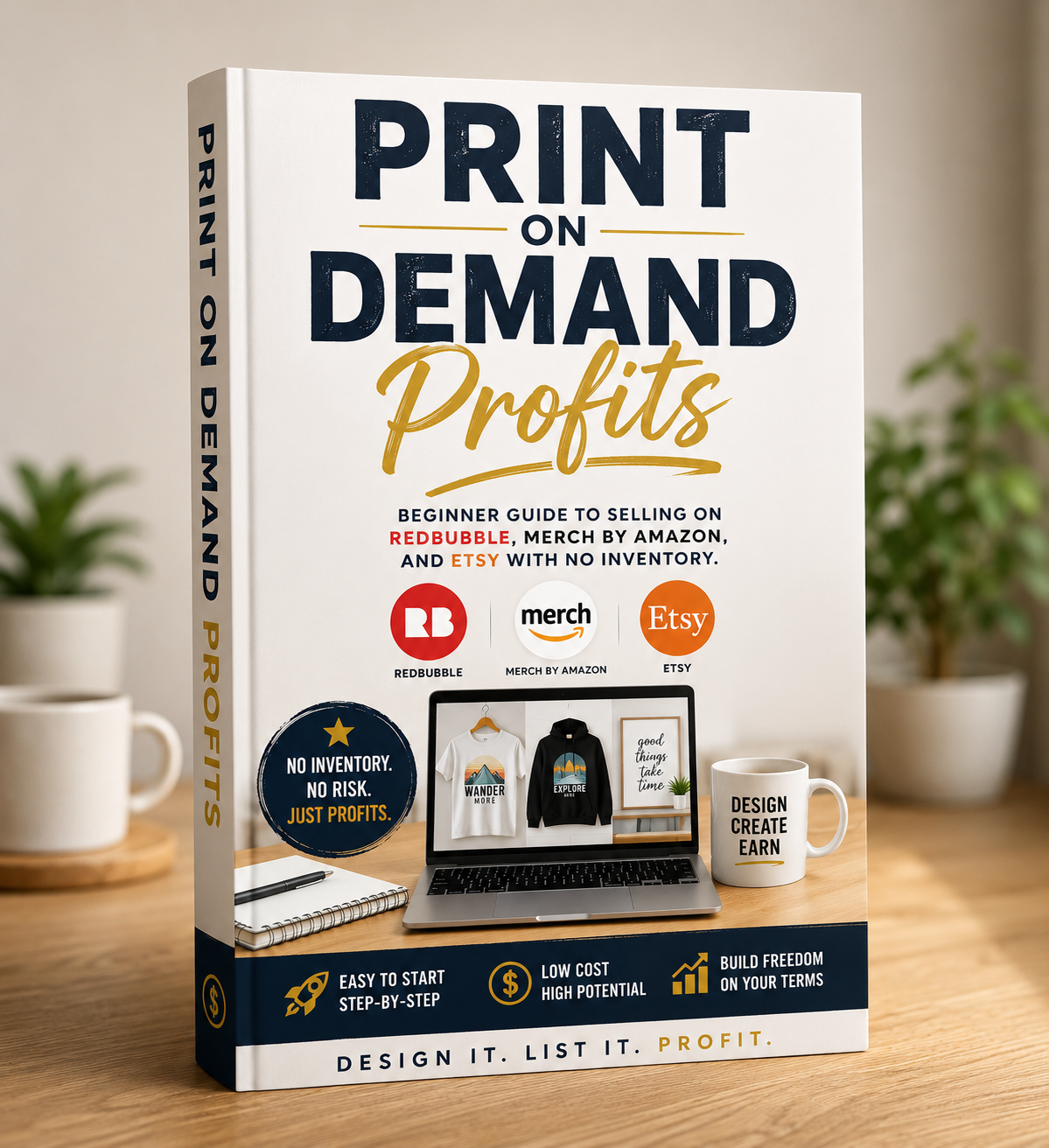
Print on Demand Profits
Your complete 6-section system — platform selection, niche research, design creation, shop setup, listing optimization, and scaling to passive income.

100 Profitable POD Niches — What's Selling Now
100 proven niches with real demand across Redbubble, Merch by Amazon, and Etsy. Start here when you finish Section 1.
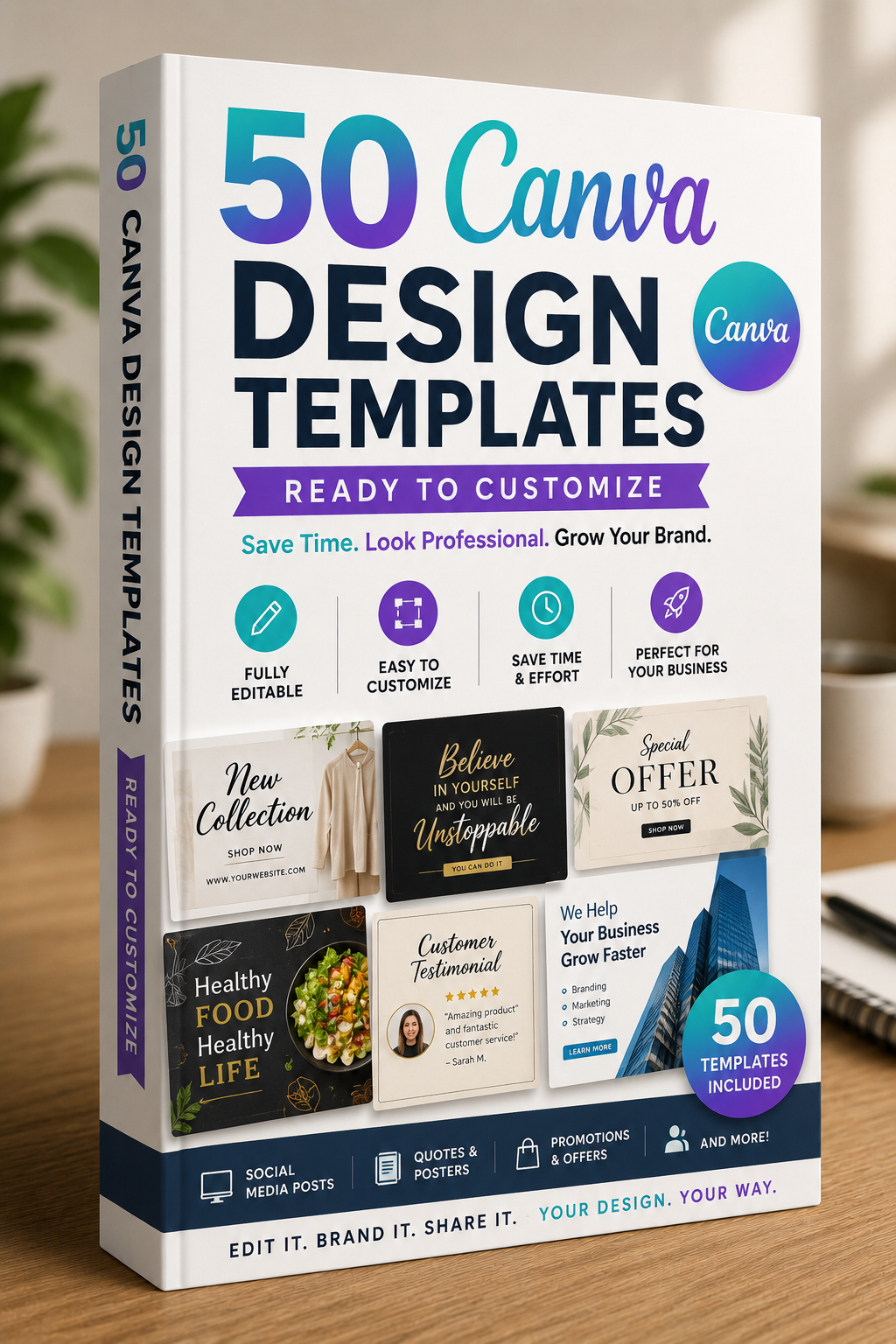
50 Canva Design Templates — Ready to Customize
Pre-built templates sized for all 3 platforms. Open in Canva, swap colors and text, export. No blank canvas paralysis.
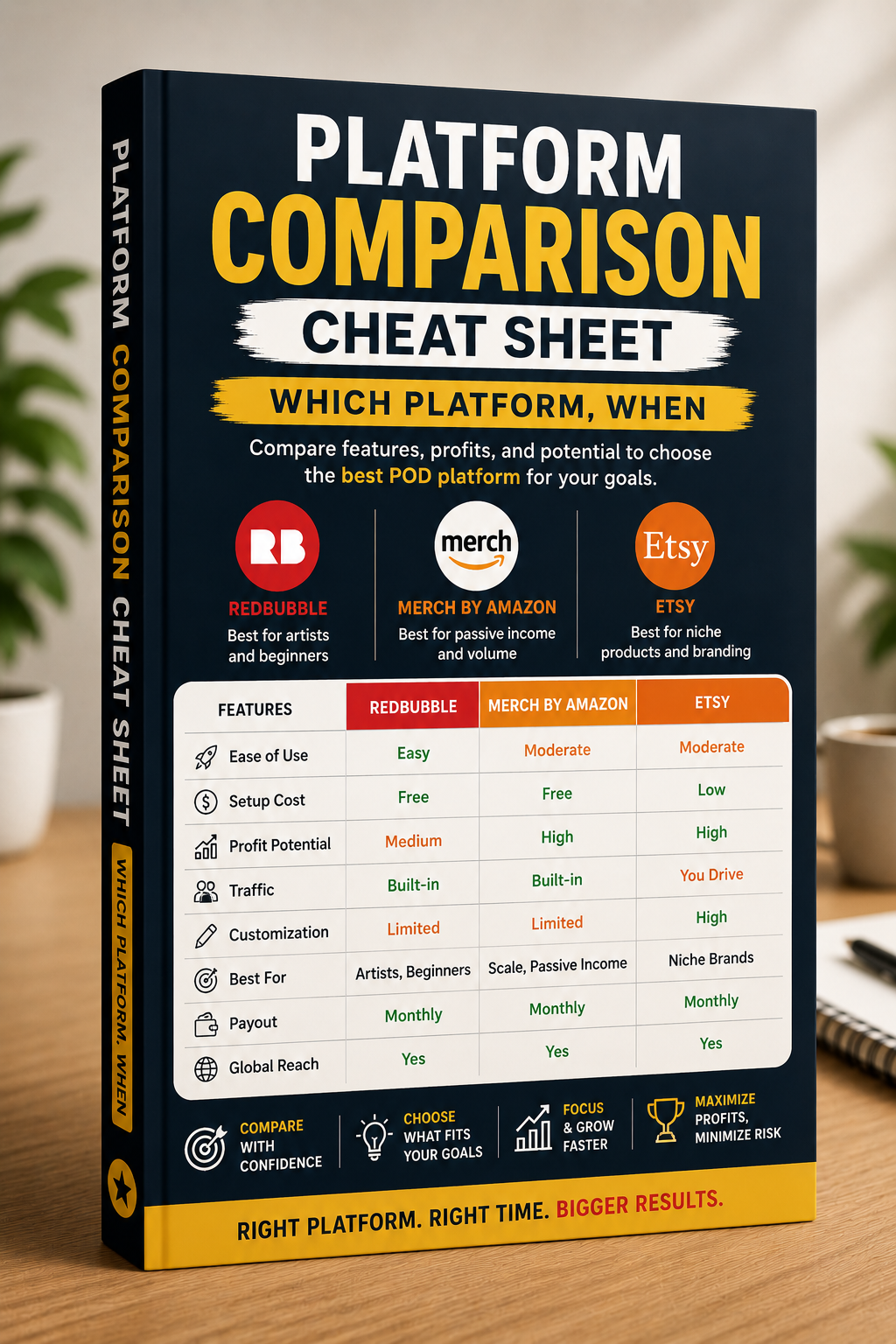
Platform Comparison Cheat Sheet — Which Platform, When
Got a product idea? This cheat sheet tells you instantly which platform to list it on and why — at a glance, every time.
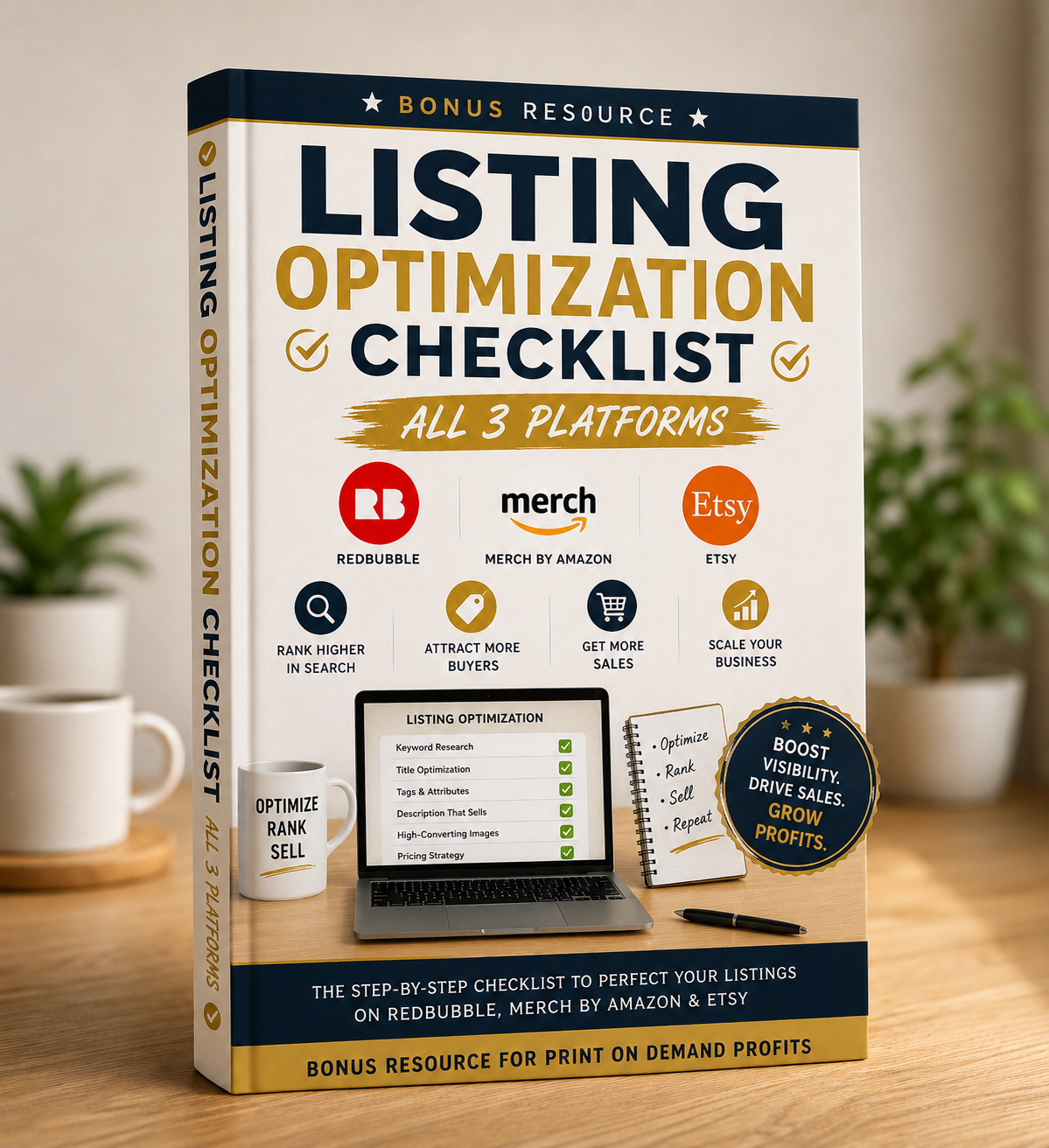
Listing Optimization Checklist — All 3 Platforms
Run through this before every listing goes live. Title, tags, description, images, pricing — nothing gets left behind.
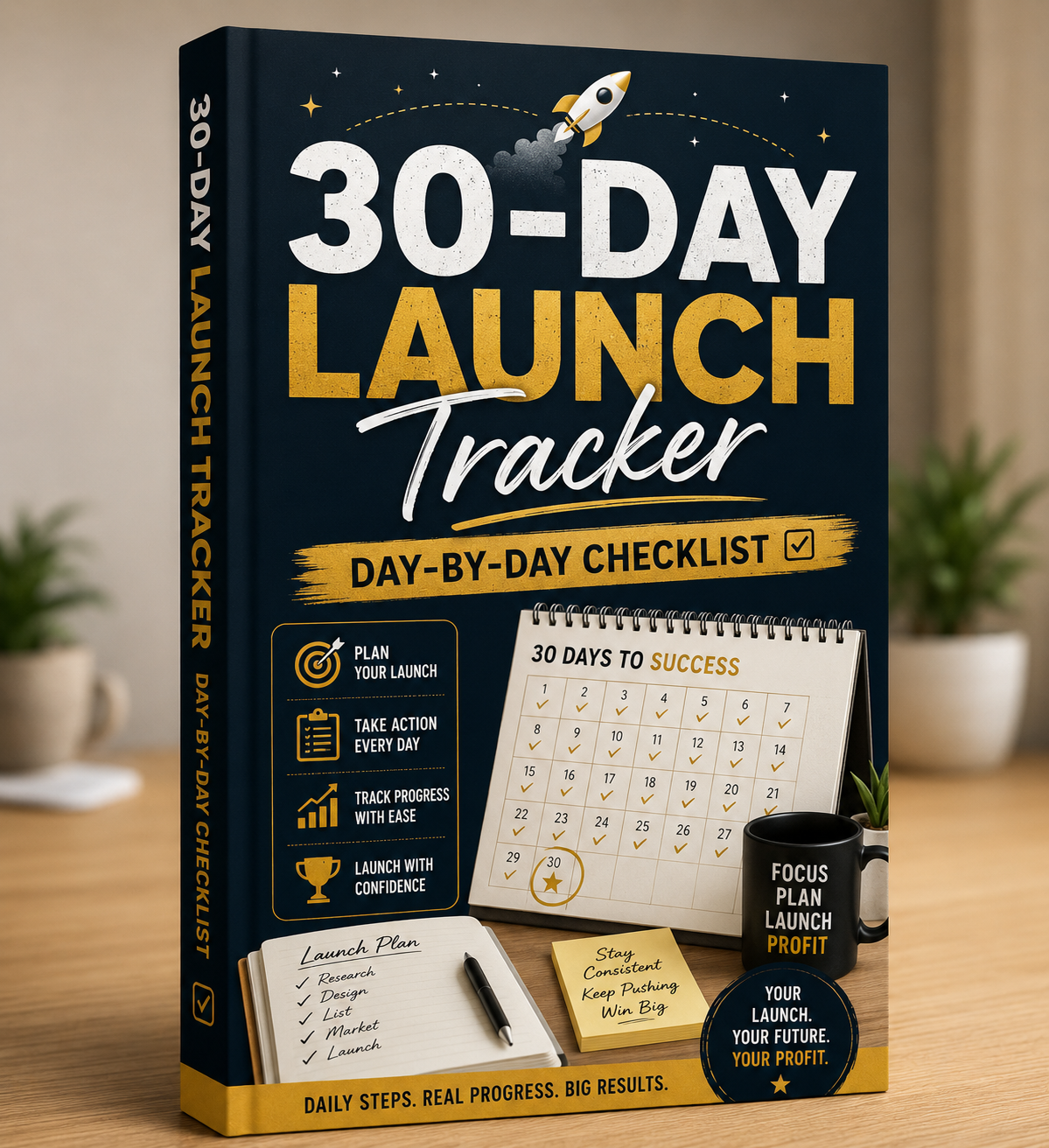
30-Day Launch Tracker — Day-by-Day Checklist
Start today. Day 1 sets up your accounts. Day 5 your first design is done. Day 30 your shop is live with real listings. One task per day.
Make the most of what you just downloaded.
Save Everything First
Create one folder called "POD Profits" and save all 6 files there. You'll thank yourself later.
Read Section 1 Today
Just Section 1. It'll tell you which platform to start on. Everything after that flows from that one decision.
Open Canva for Free
Go to canva.com and create a free account if you don't have one. You'll need it for Bonus #2's templates.
Do Day 1 of the Tracker
Bonus #5 takes 20–30 minutes on Day 1. Starting today puts you 30 days ahead of where you were this morning.